A Website Project Handoff Checklist for Freelancers
Deliver a website with a clear summary, labelled files, review instructions, and a download deadline—without making the client learn a new workspace.
Woff field note
Published
Updated
3 min read
 Written by Woff Team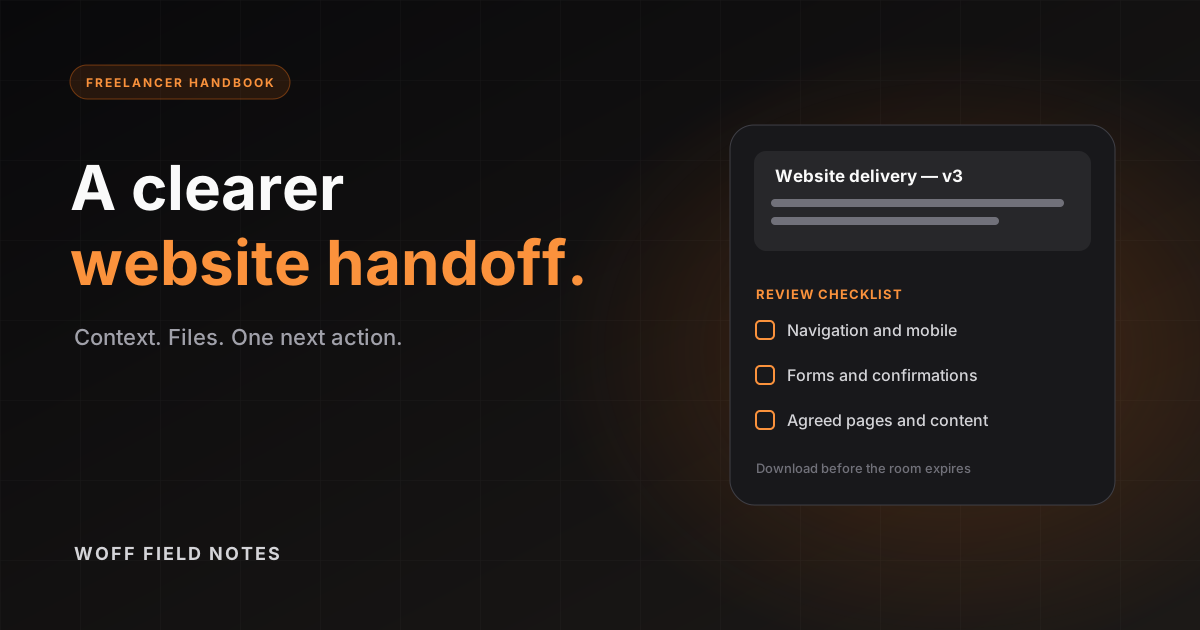
A finished website can still produce a confusing delivery. The client sees a link, a ZIP, and several screenshots but does not know which version is final or what you want them to review. A small handoff note makes the delivery easier to act on.
Gather the delivery package
Keep only the files required for this handoff. Use recognizable names such as homepage-v3-desktop.png, homepage-v3-mobile.png, and site-source-v3.zip. Say whether the ZIP contains source files, a deployable build, or both.
Woff’s file limit is 50 MiB per file, with up to 20 files in one batch. Check the remaining room allowance before uploading. Use an appropriate existing storage link for a larger archive rather than splitting an essential project into unexplained fragments.
Do not bundle hosting passwords, API keys, database exports with personal data, or private signing keys. Transfer sensitive access through a separate method agreed with the client.
Put this note beside the files
Start with the handoff template, then replace the placeholders with actual details. The free workflow uses a note and attachments in the same room.
Website handoff — [project] — version [number]

Delivered: [date]
Preview: [public preview URL]

Included:
- [filename]: [what it contains]
- [filename]: [what it shows]

Please review:
1. Main navigation on desktop and mobile
2. Contact form confirmation
3. Agreed pages and supplied content

Known limits: [anything still pending]
Next action: reply with the page, screenshot, and requested change.
Download by: [expiry shown in this room]
Keep the note honest about anything unfinished. ‘Ready for your review’ means a different next step from ‘Already published’; say which one applies.
Share and make the next action explicit
Wait for all files to finish uploading, then copy the full room invitation and send it with one sentence explaining the review. A recipient can read the delivery without creating an account. An invitation grants access, so send it through the intended client conversation.
If you need several people to edit the instructions together, use a collaborative document elsewhere. A Woff note has one editing owner. Feedback can arrive as messages or separate notes in the room.
Close the handoff with copies in the right places
Ask the client to download the final package and keep your own source archive. Standard rooms expire after 48 hours without activity. If a Pro pilot room is available, its 7- or 30-day deadline is fixed and activity does not extend it. Include the expiry actually shown in the room.
Woff does not replace a signed acceptance record, a maintenance contract, deployment access management, or a permanent project repository. Keep the agreed outcome in the system where your business records live.
See pricing for the current availability of the monthly Pro pilot and help for upload, export, and ownership details.