A Simple Way to Share To-Do Lists and Grocery Lists Online With Family
Keep family to-do and grocery lists in sync by sharing a single link that anyone can open on any device.
Woff field note
Published
Updated
2 min read
 Written by Woff Team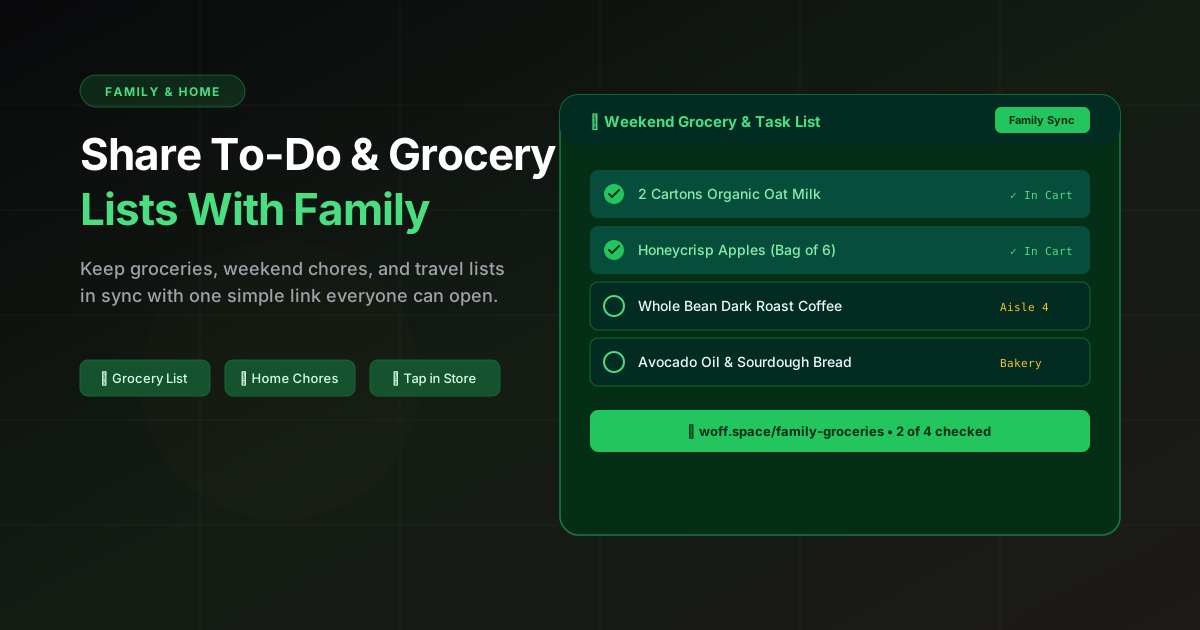
Create a list in Woff and share the link with family. Everyone can reference the same page.
Update the list before heading out; the latest version is always just a tap away.
Great for groceries, chores, travel prep, and quick household notes.
Give the list one clear owner
In Woff one person edits a note. Others can suggest additions in the room and the owner updates the list. Choose a shared-document app if everyone needs to check off items in the same document.
Write items that are easy to act on
Use a quantity, item, and useful detail: “2 cartons oat milk” is better than “milk.” For chores, include the room or deadline. For travel, separate must-have documents from optional items.
Useful list sections
- Buy today
- Can wait
- Household chores
- Questions for the family
Reset the list regularly
Archive or replace completed lists instead of letting one page grow forever. A short current list is easier to trust, especially when someone is checking it from a phone in a store.
Current sharing and retention limits
Copy the full invitation supplied by Woff. It grants access to the room and can be forwarded. A note has one editing owner; private notes are creator-only. Standard rooms expire after 48 hours without activity. Pro pilot rooms, where available, have a fixed 7- or 30-day expiry, and activity does not extend that deadline. Keep a local copy of anything you need later. See help and pricing for current limits and availability.